
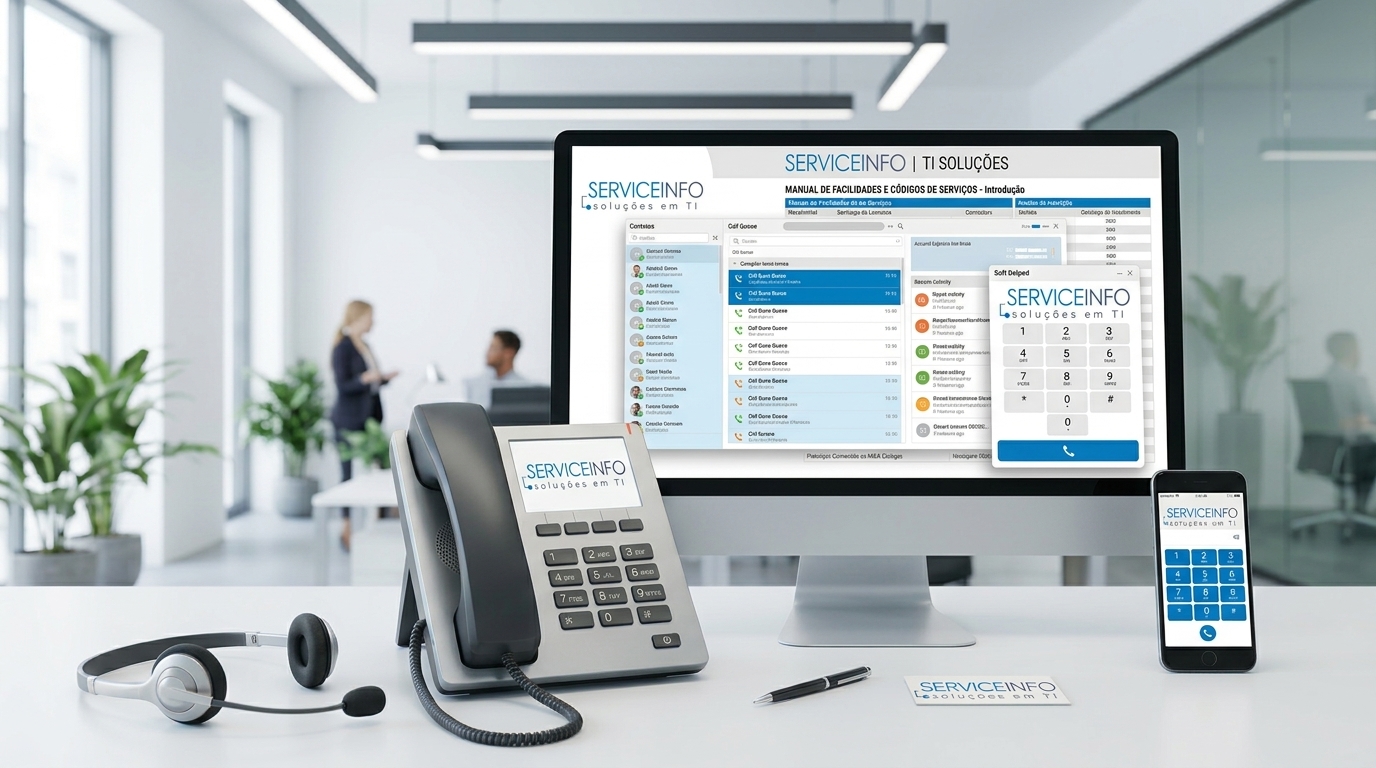
Efficient corporate communication is a fundamental pillar for modern team productivity and outstanding customer service. In fast-paced business environments, call routing bottlenecks and delays can lead to missed opportunities and customer dissatisfaction. To overcome these challenges, mastering your corporate phone system features is essential.
The SERVICEINFO PABX system offers a robust Unified Communications architecture designed to simplify call management and seamlessly integrate advanced voice features into daily operations. This manual outlines the main PABX commands and service codes, enabling your team to leverage the system’s full potential.
Fundamental PABX Telephony Concepts
A Private Automatic Branch Exchange (PABX) serves as the central switching system for an organization, connecting internal extensions to the public telephone network. By using standardized feature codes directly on desk phones or softphones, users execute complex call routing and management functions instantly.
Key Commands and Service Codes
Below is a detailed guide to the essential service codes available in the SERVICEINFO PABX environment:
| Code | Feature Name | Description & Operation |
|---|---|---|
| *1 | Blind Transfer | During an active call, press *1 to hear a continuous dial tone while the caller hears hold music. Dial the destination extension. Upon finishing dialing, your call disconnects and the destination extension rings immediately. Note: You cannot return to the original call once initiated. |
| *4 | Attended Transfer | Similar to blind transfer, but the call does not disconnect immediately. You can speak with the recipient before hanging up to complete the transfer. If the recipient does not answer, press # to retrieve the caller on hold. |
| *8 | Group Call Pickup | Allows you to pick up a call ringing on any extension within your designated call group (e.g., Sales department). Groups are configured in system settings. |
| *886 | Any Call Pickup | Picks up a call ringing on any extension across the organization, regardless of group assignments. |
| **[extension] | Directed Extension Pickup | Dial ** followed by the exact extension number that is ringing to capture the call directly from that line. |
| *870 | Redial | Automatically redials the last number called from the extension, functioning like the redial key on traditional handsets. |
| *97 | Voicemail (Own Extension) | Connects directly to the voicemail mailbox of the extension placing the call, prompting only for the PIN code. |
Practical Differences Between Transfer Types
Choosing the right transfer method ensures professional customer interaction. Blind Transfer (*1) is ideal for high-volume call environments where speed is critical. Conversely, Attended Transfer (*4) is recommended for commercial or specialized support calls, as it allows operators to introduce the caller and provide context before connecting.
Common Operational Errors
The most common operator mistake is attempting to cancel a blind transfer after pressing *1. Once triggered, the system requires completing the extension input. To prevent accidental customer disconnections, encourage your staff to default to attended transfer (*4) for high-value calls.
Operational Checklist
- Keep a quick reference guide visible at employee workstations.
- Set up pickup groups (*8) aligned with physical teams or functional departments.
- Ensure secure PIN codes are configured for all voicemail boxes (*97).
- Train staff on using the # key to retrieve calls during attended transfers.
Editorial Conclusion
Standardizing service codes and mastering PABX features significantly enhances organizational communication maturity. Streamlined call handling minimizes wait times and improves overall stakeholder experience.
How SERVICEINFO can help
Optimizing corporate communication workflows requires a reliable, scalable telephony infrastructure tailored to your business operations.
SERVICEINFO assists your organization in structuring smart phone systems, unified communication consulting, and PABX deployments that ensure high availability, security, and operational efficiency.
Contact the SERVICEINFO team of experts to modernize your business telephony system.